Methodox Reader v0.3
A fast reader for PDFs and EPUBs.
Read, search, annotate and print PDF documents, and read EPUB books, on Windows, Linux and macOS. Highlight passages, leave notes, draw on a page, fill in forms, reorder and rotate pages, merge documents, and export pages as images.
Download Methodox Technologies
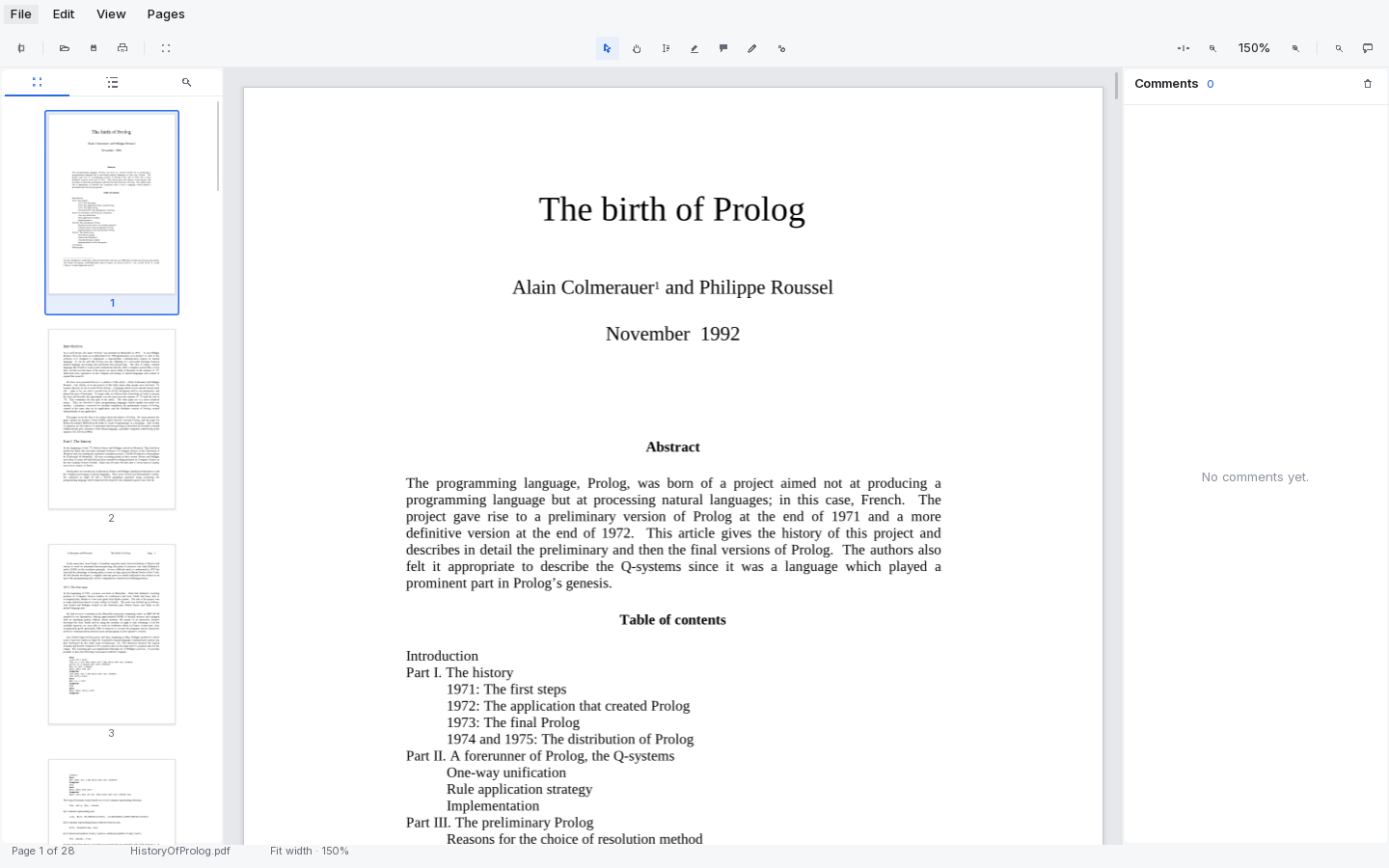
Speed
It opens before you have let go of the mouse.
Documents open in milliseconds, not seconds. There is no splash screen, because there is nothing to wait for.
-
Opens instantly
A 28-page paper is open in 10 ms; a 1.1 MB scanned document in 1 ms. Nothing is parsed that you have not looked at yet.
-
Draws a page in a blink
About 25 ms for a page of text at 150%. Rendering happens off the interface thread, so scrolling stays smooth while it does.
-
Never blanks, never re-reads
Pages you have seen are kept, so turning back is instant, and the pages just off screen are drawn before you reach them. Jump to page 400 and it is fetched first, not queued behind the pages you scrolled past.
What it does
A reader first, an editor when you need one.
Everything below is in v0.2 today. Nothing is behind a paywall or a plugin.
-
Read
Continuous scroll through a whole document, at fit width, fit page or free zoom. Pages render in the background, so scrolling never blanks.
-
Navigate
A page thumbnail rail, the document's outline, and a comments panel, alongside the page itself.
-
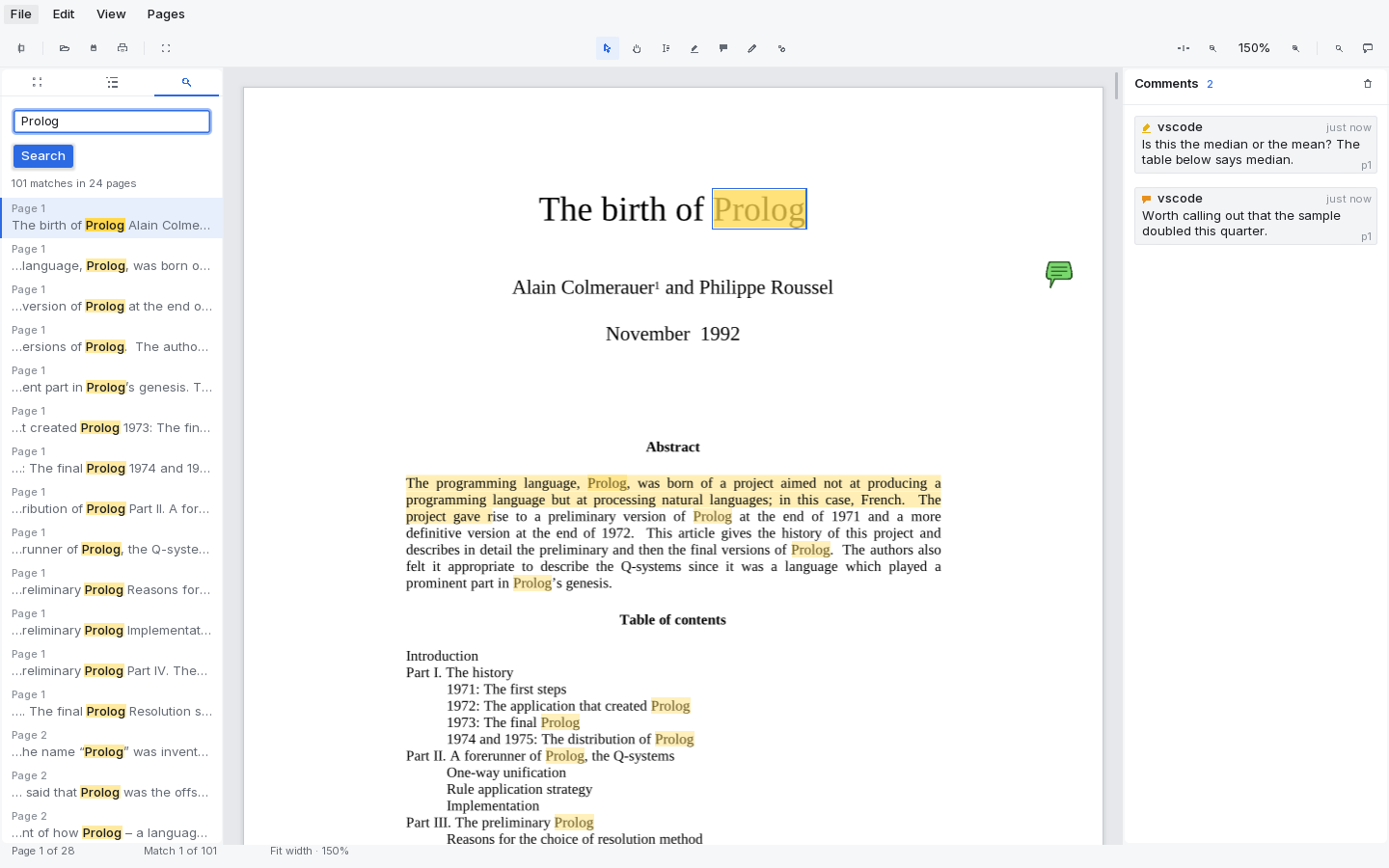
Search
Search the entire document. Every hit is listed with its surrounding text and marked in place on the page.
-
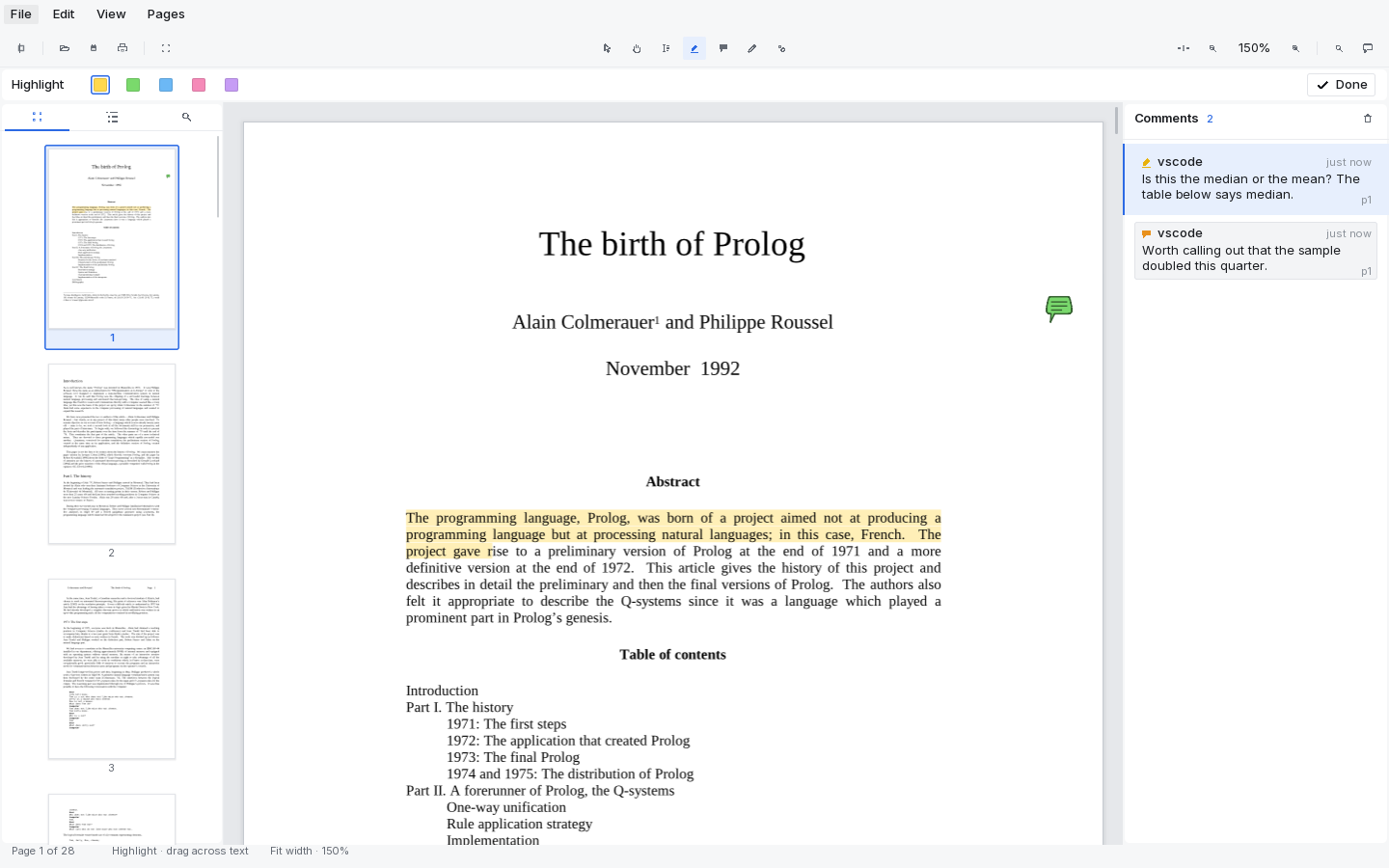
Annotate
Highlight a text selection, leave sticky notes, draw freehand, and draw boxes — then move, resize, recolour or retype any of them afterwards.
-
Annotations that travel
These are standard PDF annotations. They survive a save and show up in other PDF readers.
-
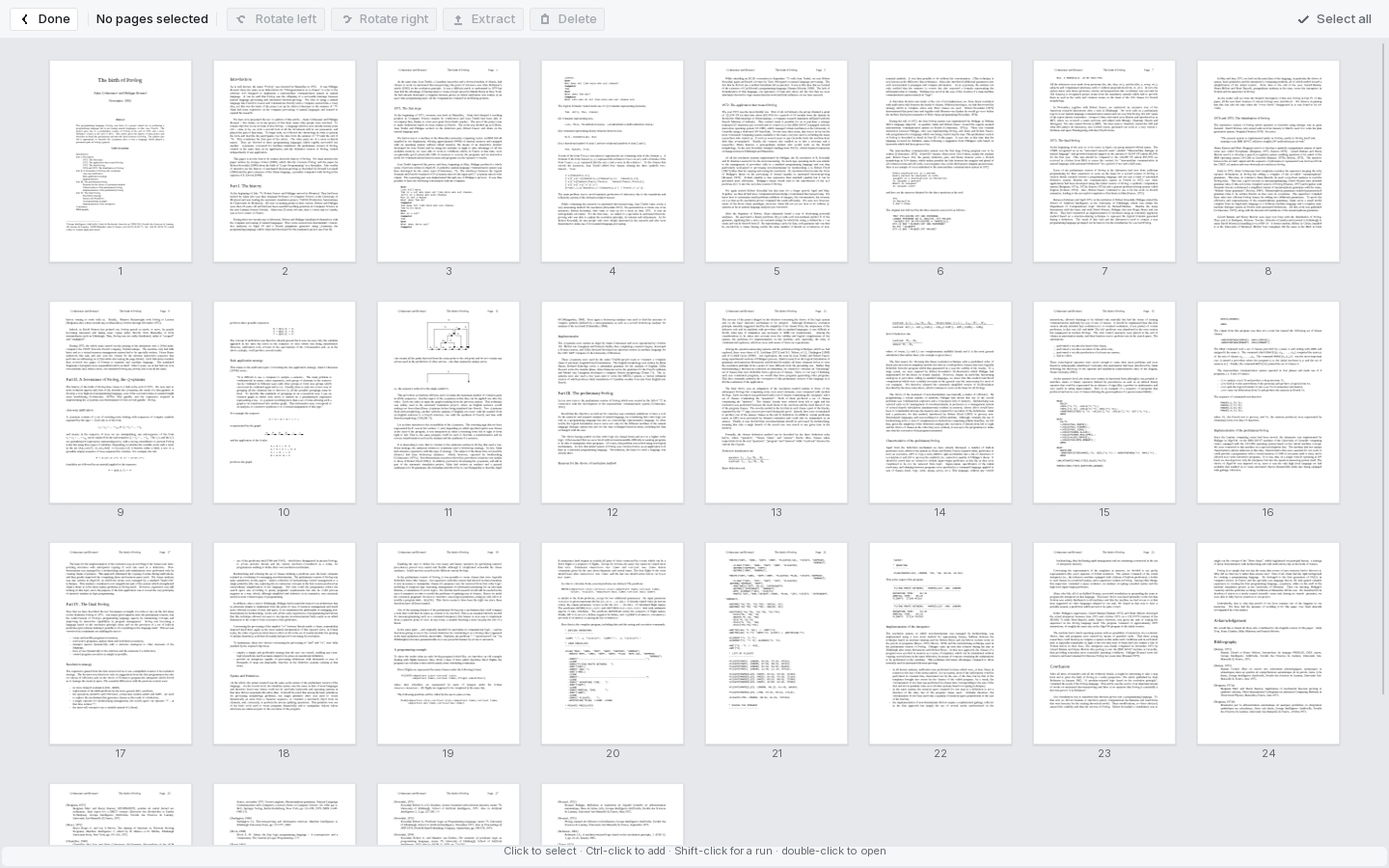
Organise pages
See every page at once. Select, rotate, delete, or extract a selection to a new PDF.
-
Fill in forms
Form fields are shown on the page. Type into them, pick from lists, tick boxes, and save the filled document.
-
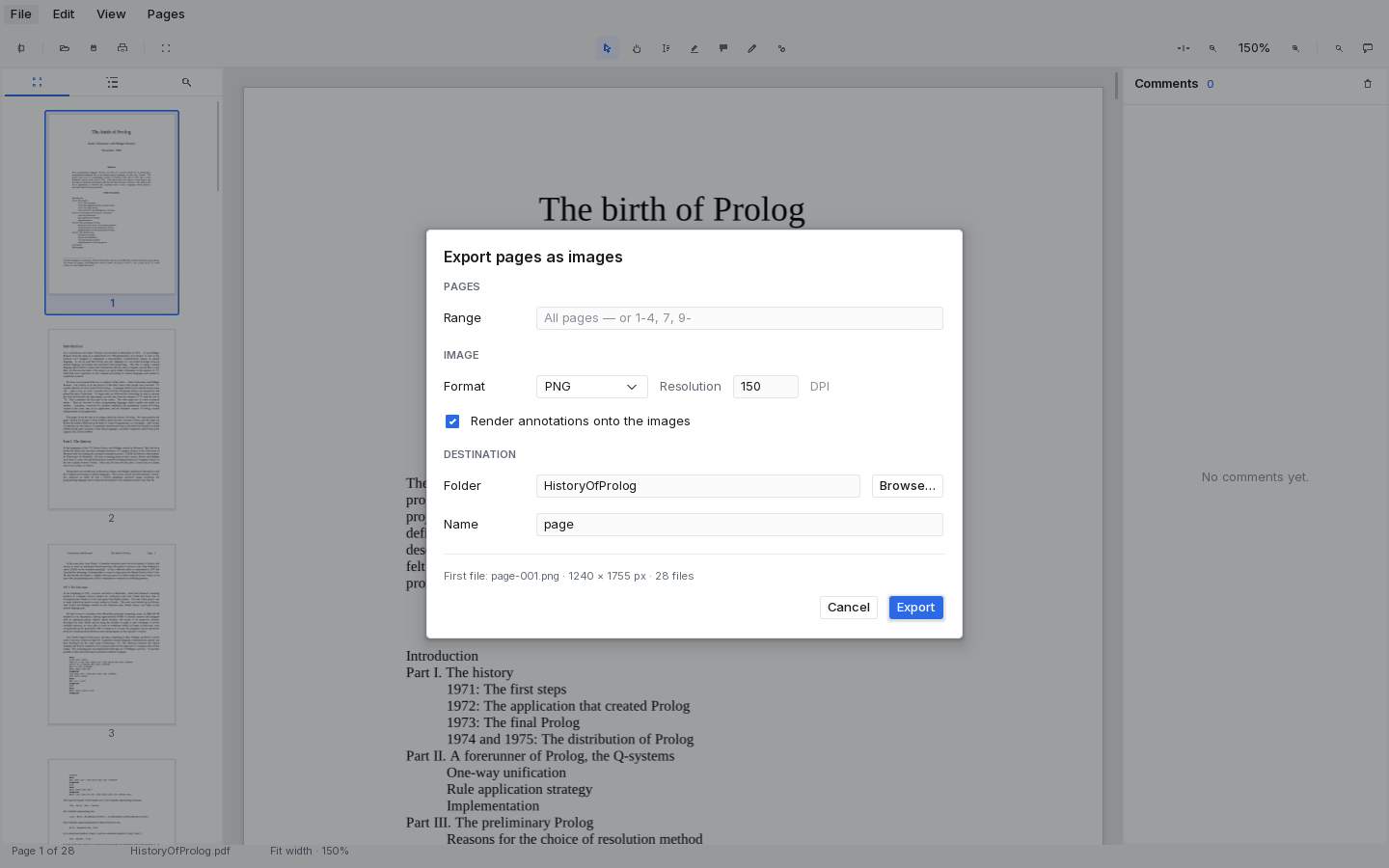
Export
Export pages as images — PNG, JPEG and others — at whatever resolution you need.
-
Print
Page ranges, copies, paper size, scaling, several pages per sheet, and print to file.
-
Scanned documents too
Fax-coded scans — the kind most scanners and archives produce — open and read like anything else.
-
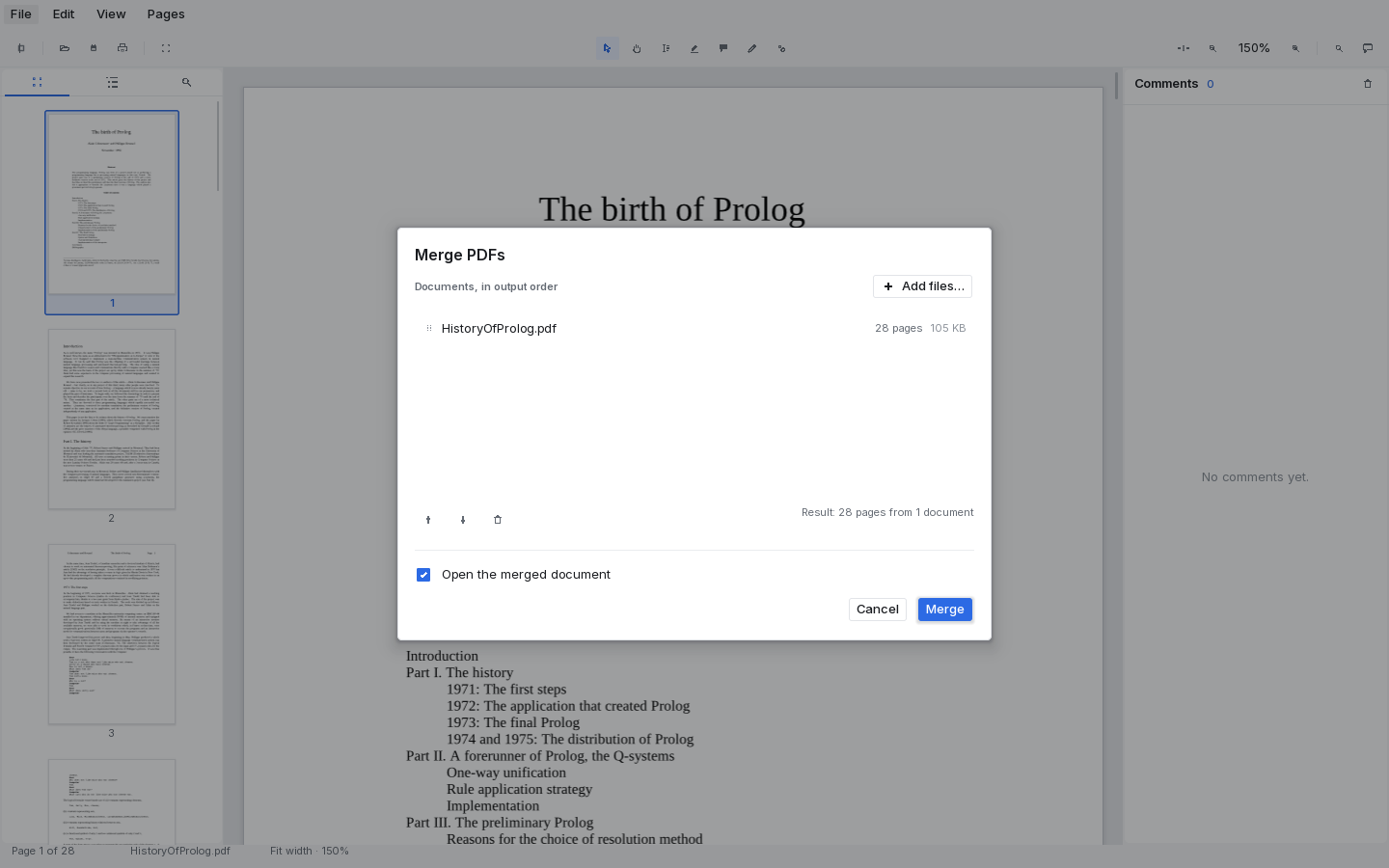
Merge, and light or dark
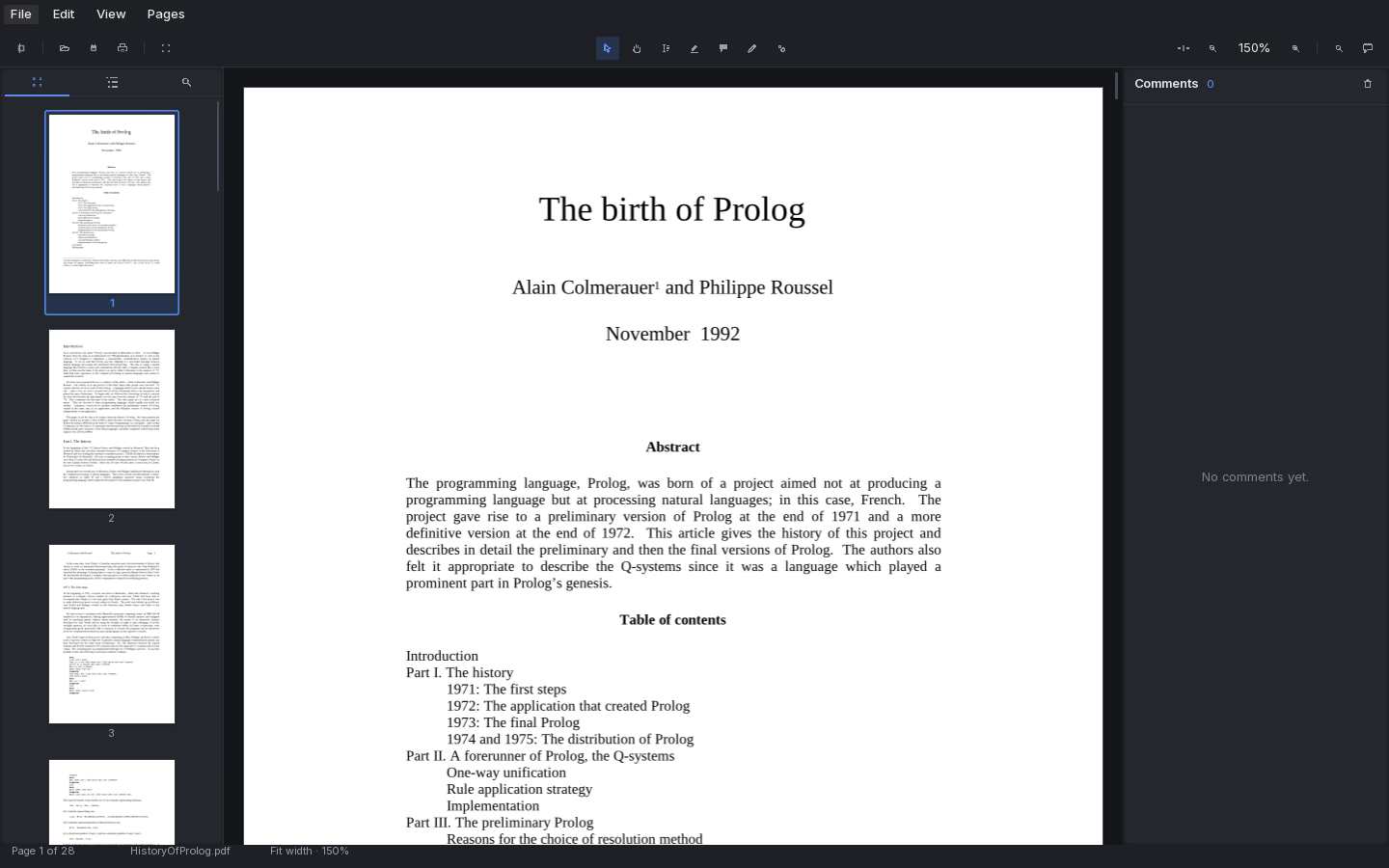
Combine several PDFs in an order you choose. Both themes ship; the document stays the brightest thing on screen.
-
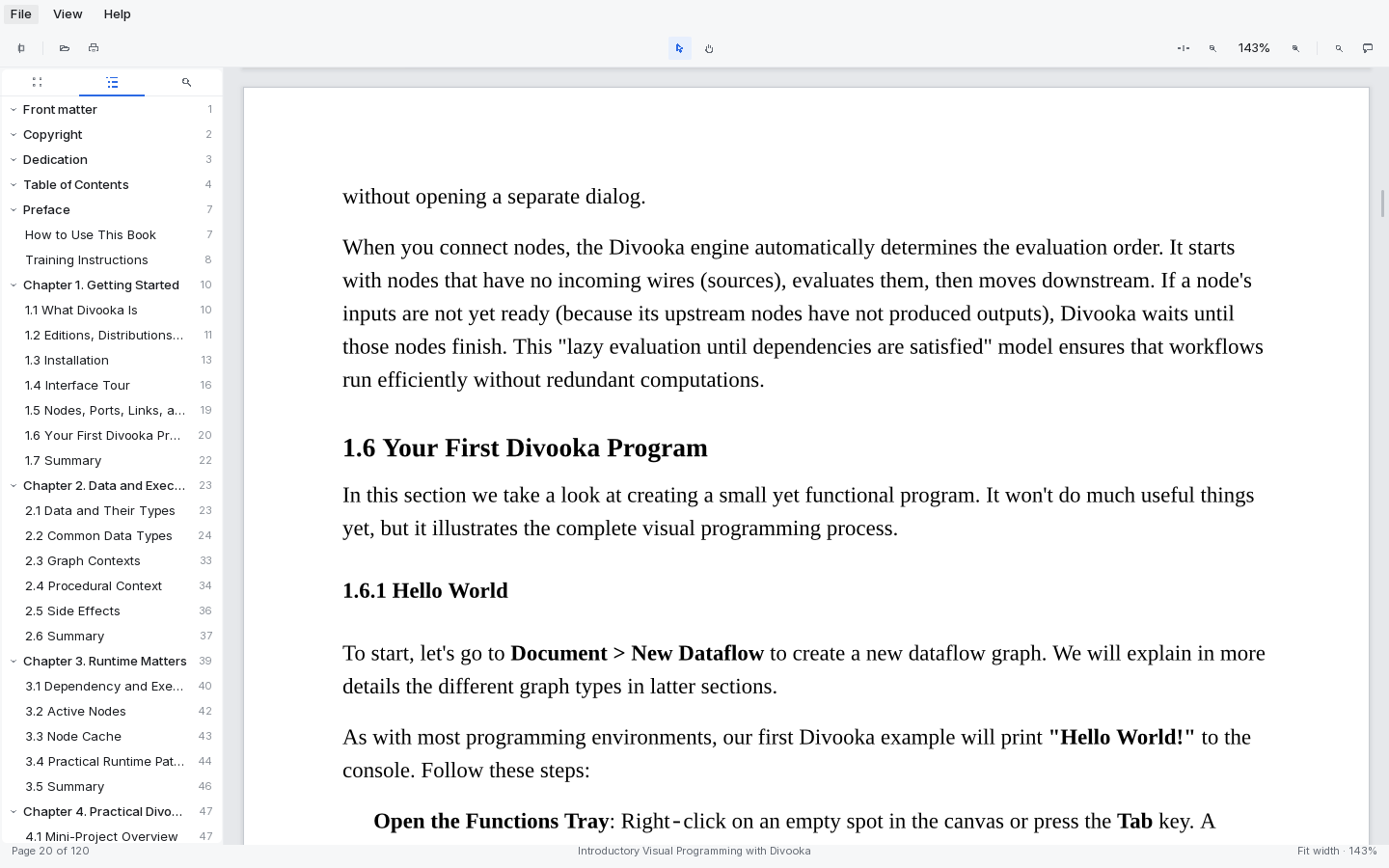
Read EPUB books
Books open alongside PDFs, with their own contents, search and printing. Choose the page and text size a book is laid out at.
A closer look
Marking up, searching, and rearranging.
Screenshots from v0.3, on a 28-page paper and our own 120-page textbook.
Themes
Light and dark, same layout.
The chrome goes quiet so the document does not have to. Nothing moves, nothing reflows.
Availability
How to get it
v0.3 adds EPUB books, editable annotations and form filling.
Download it from itch.io.
Methodox Reader runs on Windows, Linux and macOS. Builds are published on itch.io, which is also where updates appear.